1. Browse to http://outlook.com/ and click Sign In
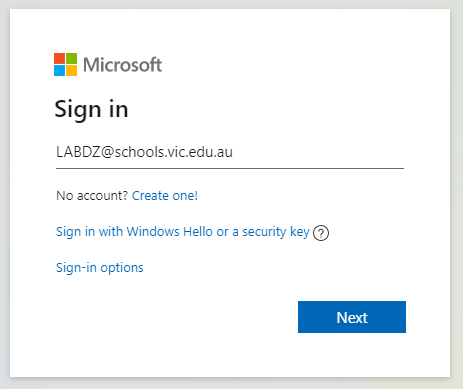
2. Enter your eduSTAR email address. UserID@schools.vic.edu.au
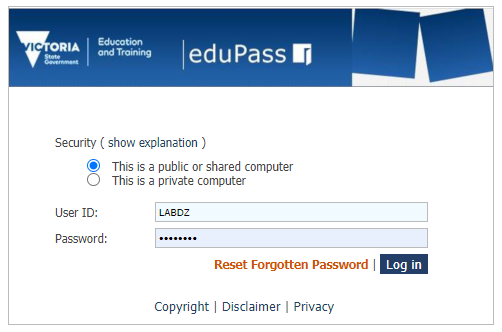
3. Enter your User ID and password and click Log In
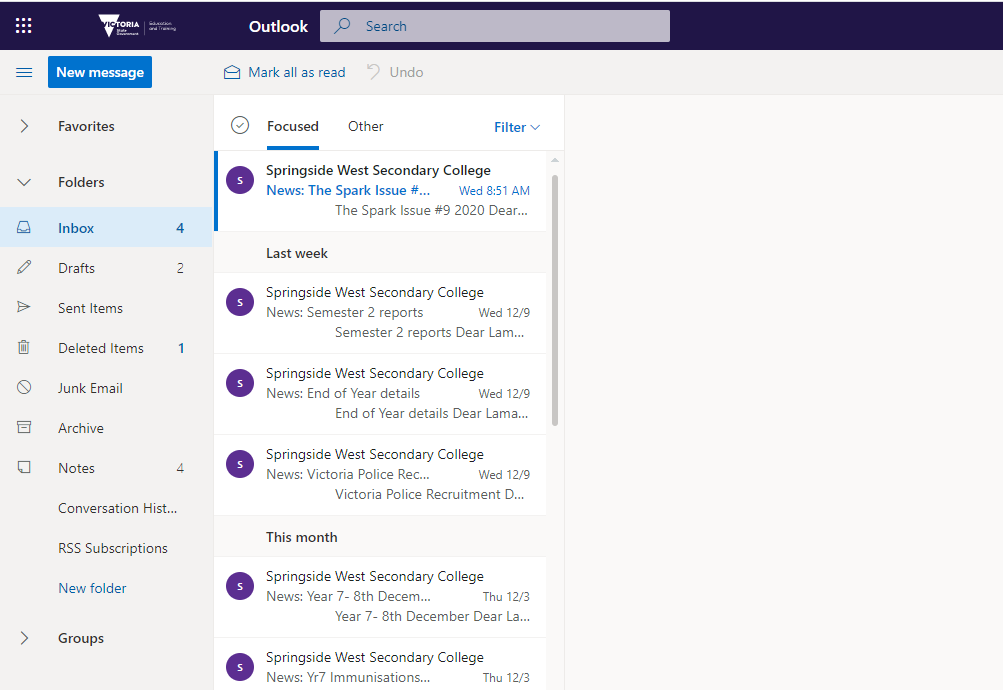
4. You will now have access to your email account

Modified on: Fri, 19 May, 2023 at 11:46 AM
Did you find it helpful? Yes No
Send feedback