
1. On the top right-hand side of the desktop, click on the wifi icon
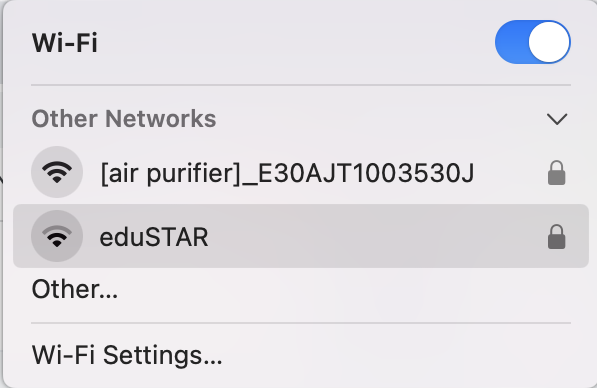
3. Enter your eduPass User ID and Password and click 'OK'
(note; this is not your compass Username and Password)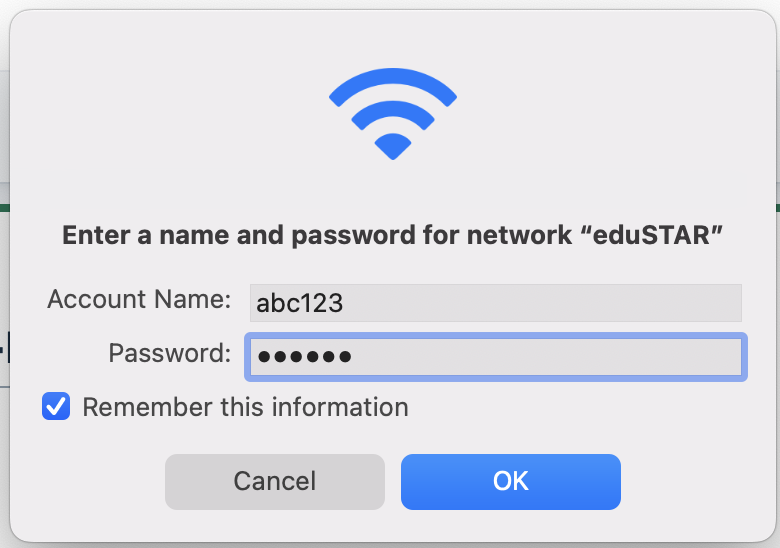
4. If asked for verification, enter your Mac's Username and Password (or use TouchID)
5. You should now be able to access the Internet