
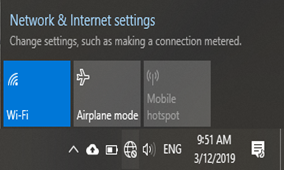
1. On the bottom right-hand side of the desktop, click on the world or wifi icon
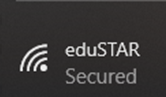
2. Select eduSTAR
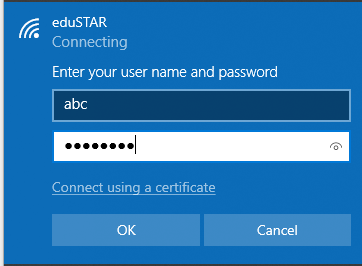
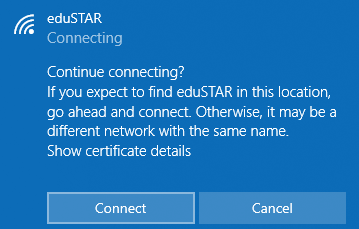
3. Enter your eduPass User ID and Password and click ‘OK’ then ‘Connect’
*Please note that this is not your Compass Username and Password*
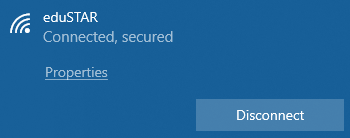
4. You should now be able to access the internet.