1. Go to the following website:
Click Here (Mobility Print)
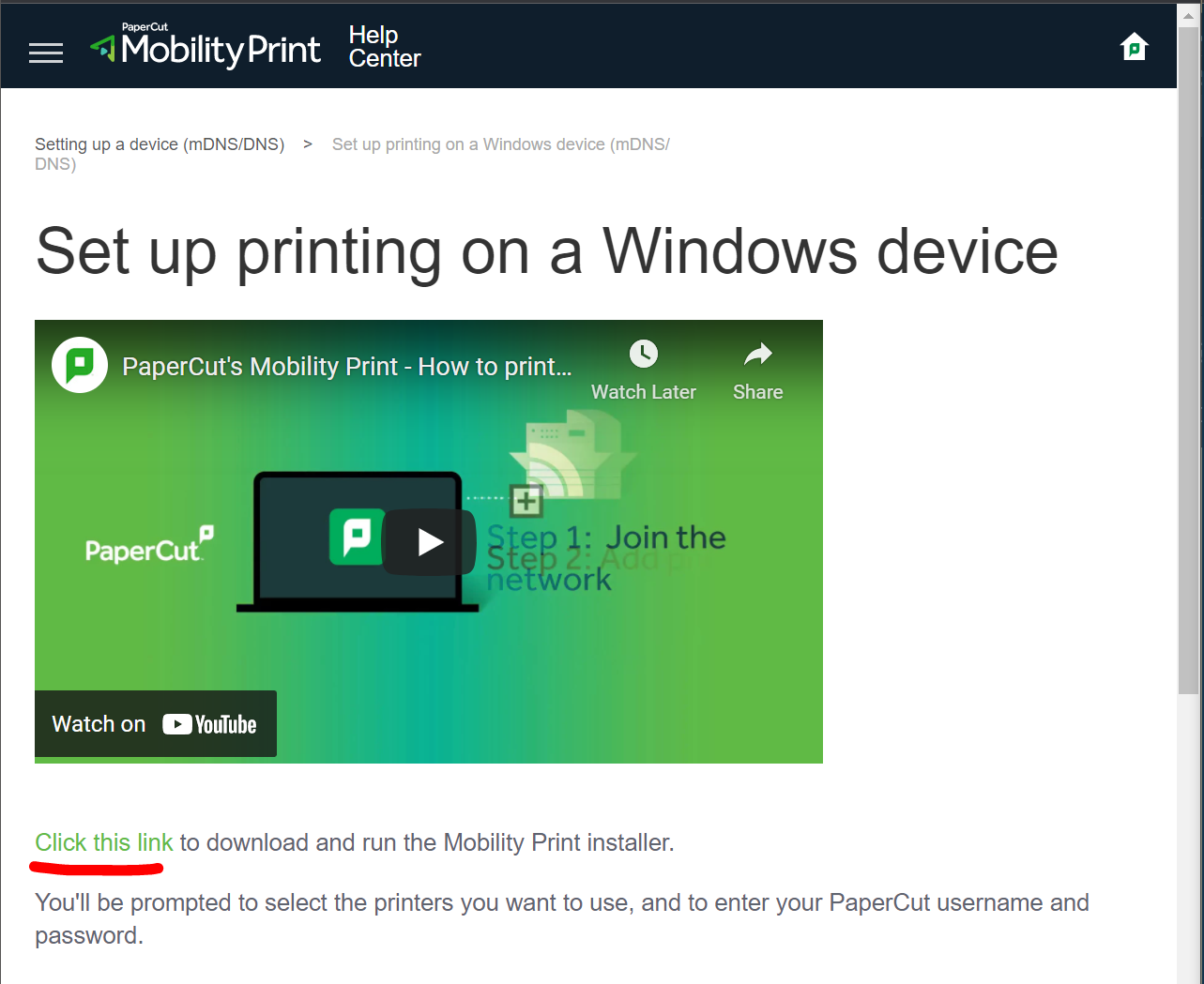
2. Click on "Click this Link" located at the top of the webpage
3. Once the download is complete open the installer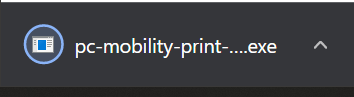
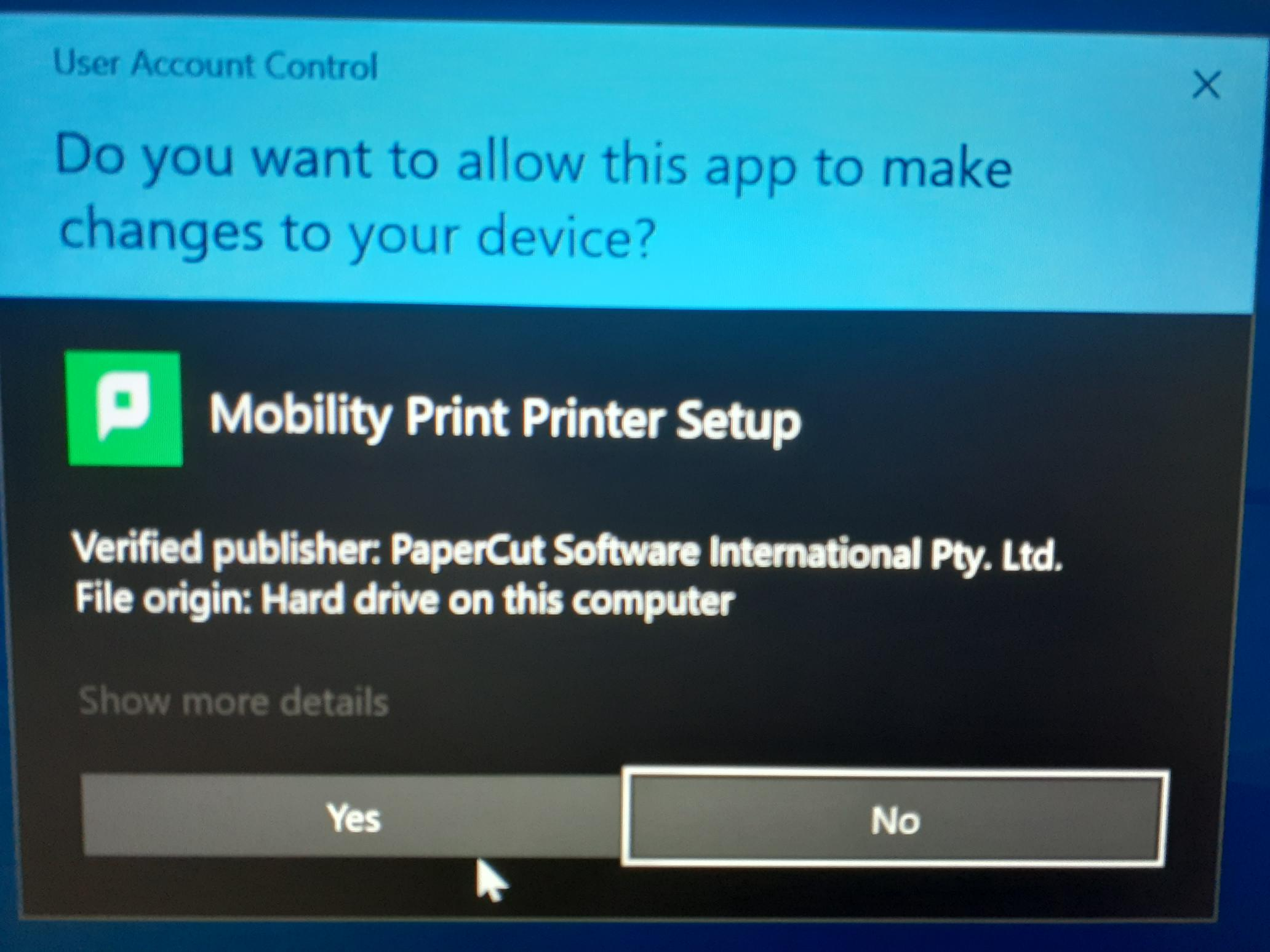
4. Agree to the installed by clicking "Yes"
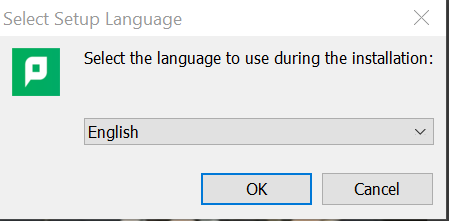
5. Select the language and click on "OK"
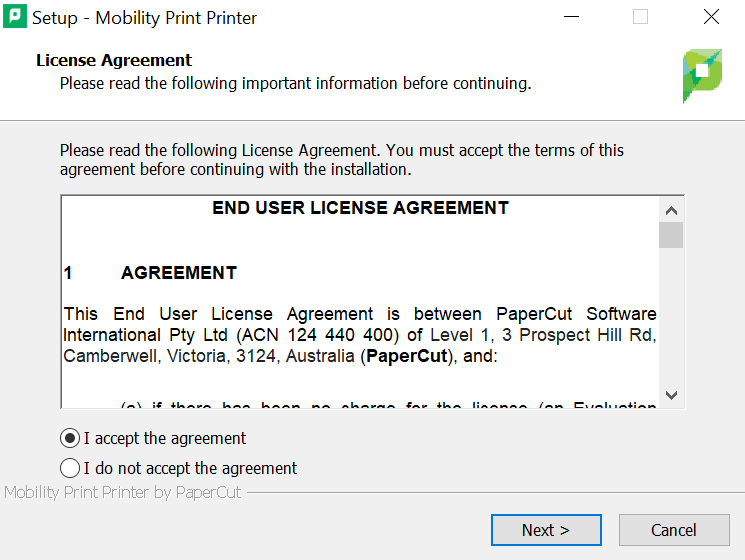
6. Check on "I accept the agreement" and select "Next"
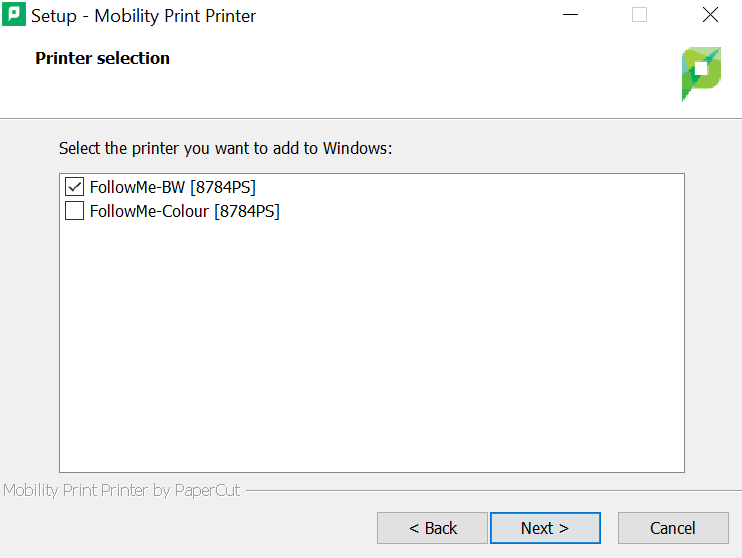
7. Select the printers so they are both ticked and click "Next"
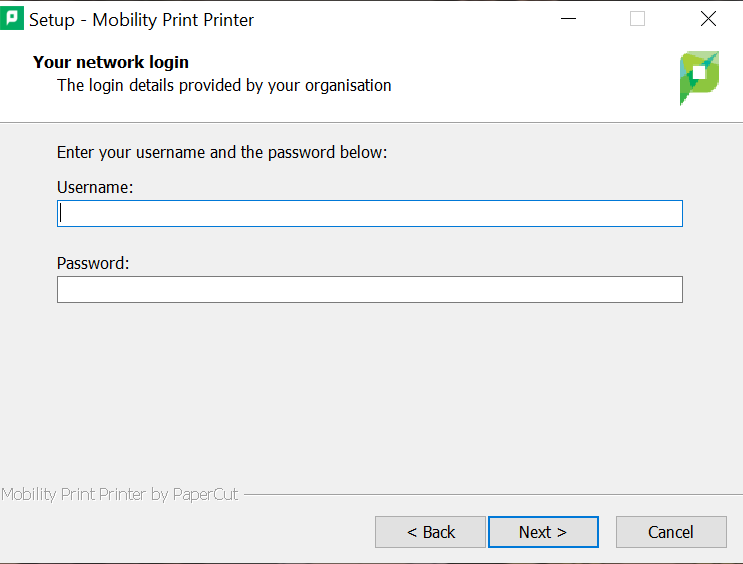
8. Enter your Compass username and password and click "Next"
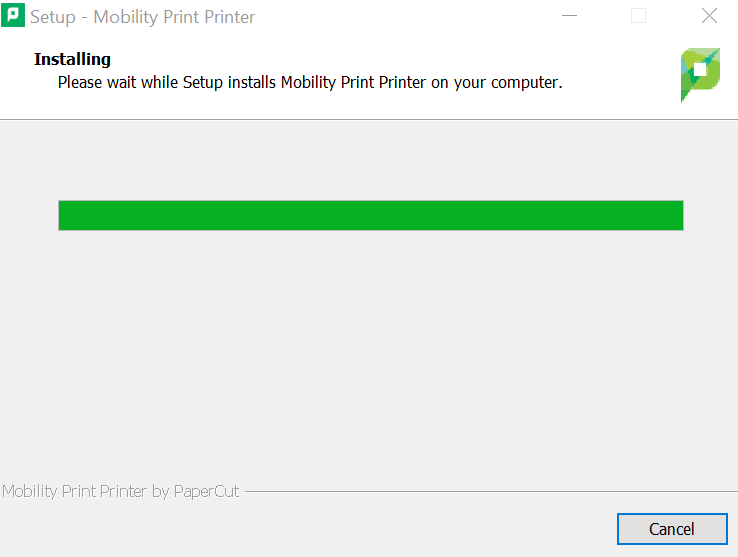
9. Wait for the install to finish
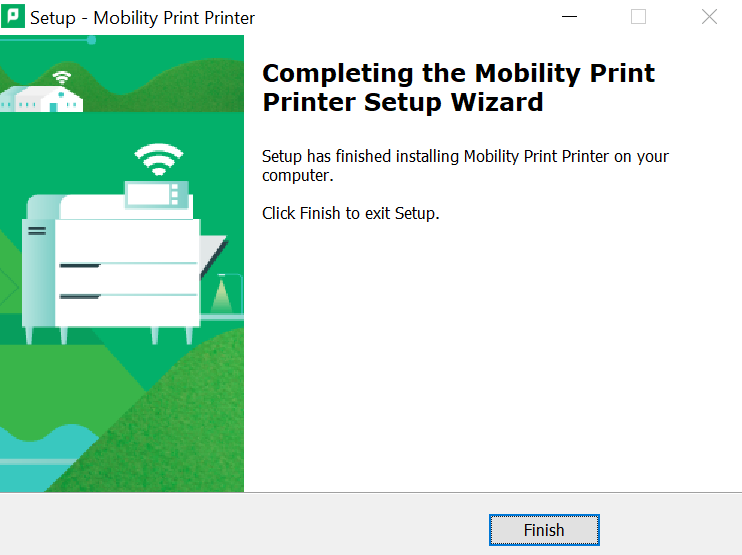
10. Click on "Finish"