1. Open a supported web browser
2. Go to https://www.edustar.vic.edu.au/google
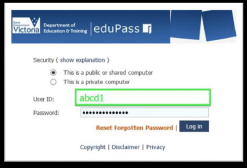
3. Log in your eduPass User ID and Password
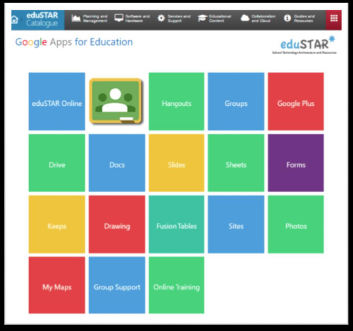
4. Click on the Google resource you’d like to use

Modified on: Fri, 19 May, 2023 at 11:47 AM
1. Open a supported web browser
2. Go to https://www.edustar.vic.edu.au/google
3. Log in your eduPass User ID and Password
4. Click on the Google resource you’d like to use
Did you find it helpful? Yes No
Send feedback