1. Open your browser and navigate to https://www.google.com.au/
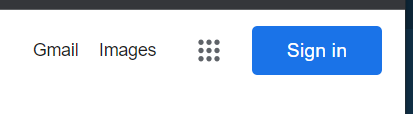
2. In the top right corner of the google page click "Sign In"
3. Enter your email (ABC1@schools.vic.edu.au)
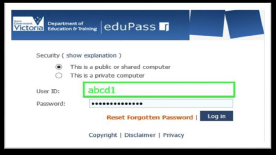
4. Enter your eduPass User ID and Password and click on "Log on"
*This is not used for compass*
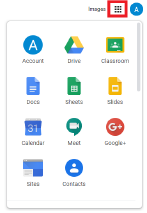
5. Now click on the 3 by 3 small dotted square next to your account and navigate to whatever resource you need (G-Suite,Classroom,Drive etc.)