1. go to the following link: https://www.adobe.com/au/creativecloud/desktop-app.html
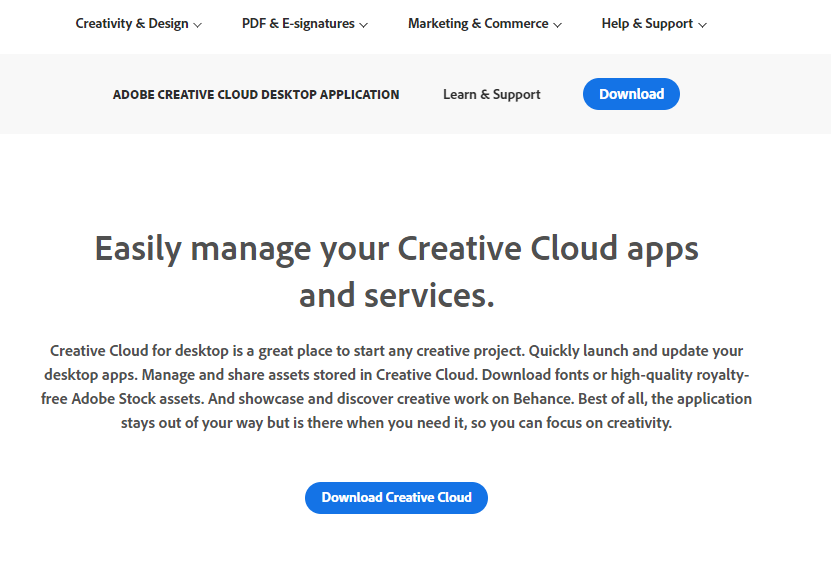
2. Click on the "Download Creative Cloud"
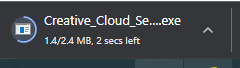
3. Wait for the download to finish and then open the .exe file.
4. Click on "Continue", If asked yes or no click "Yes"
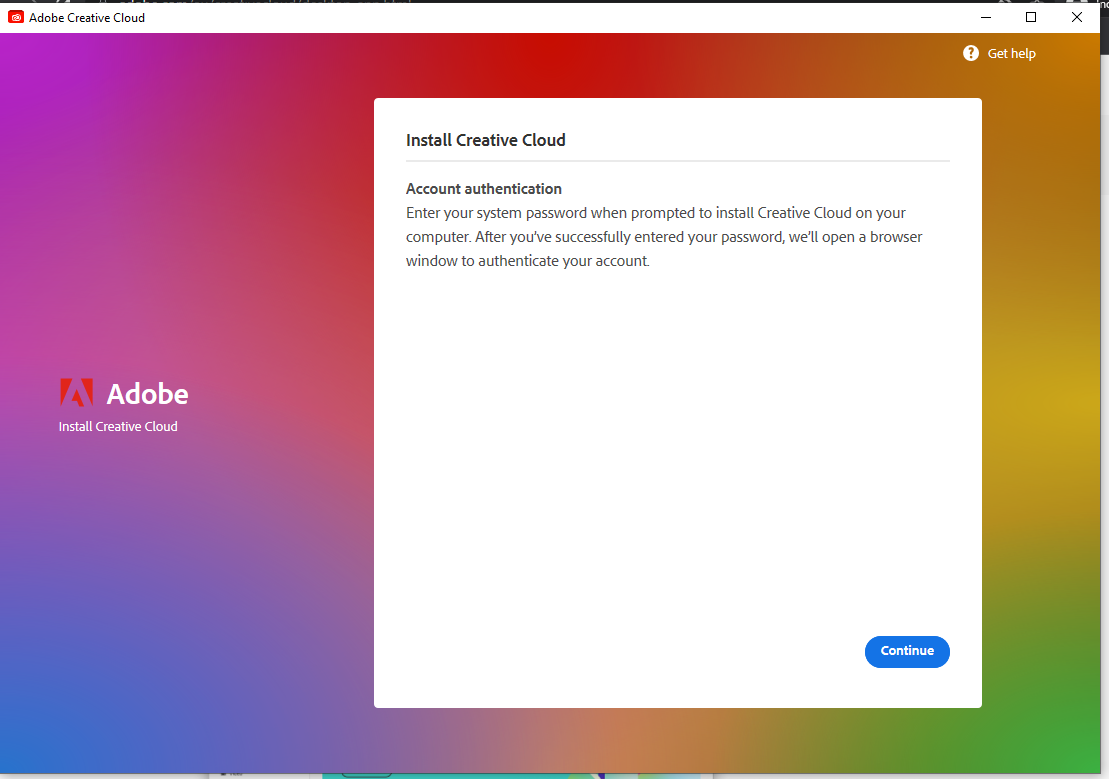
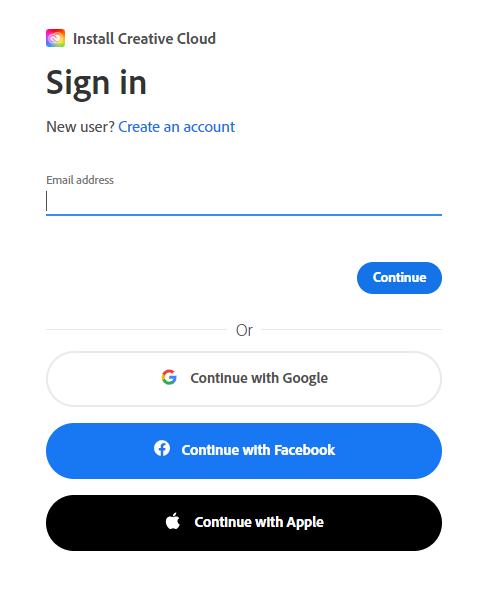
5. Log into the webpage using you DET provided email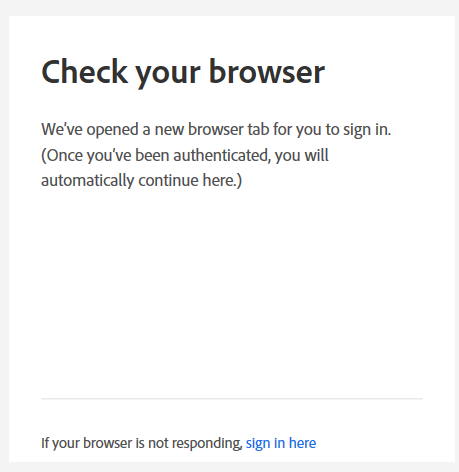
6. Wait for the download to finish.
(you can choose to answer the questions or skip them)
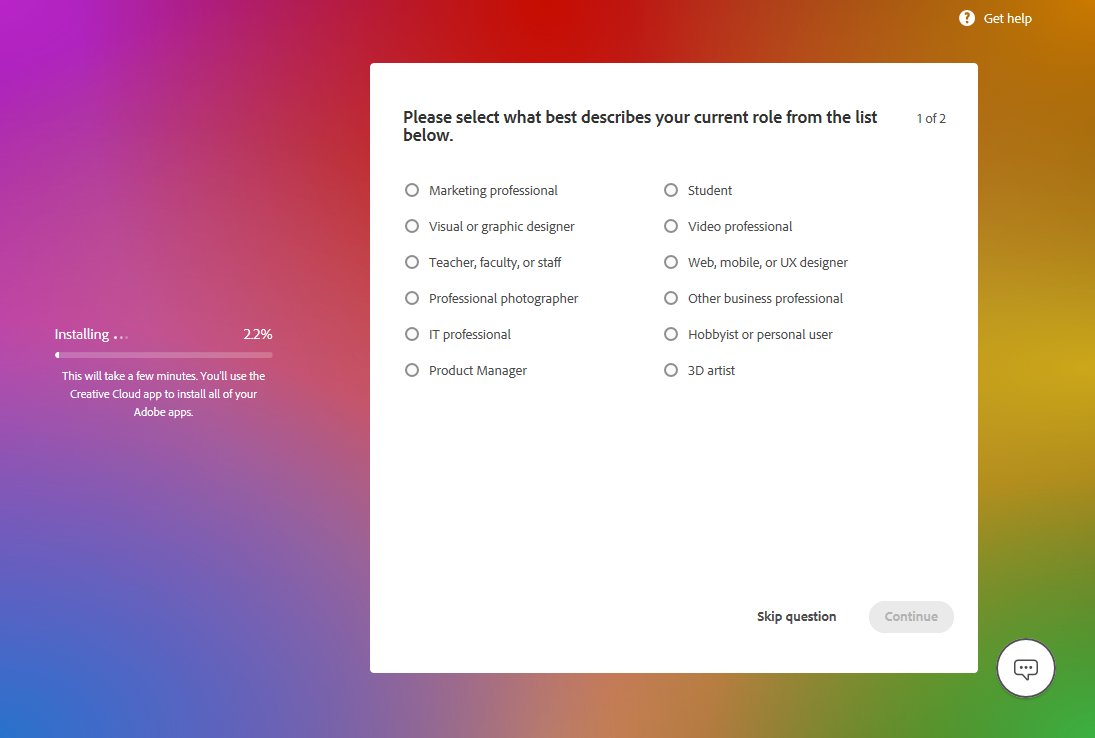
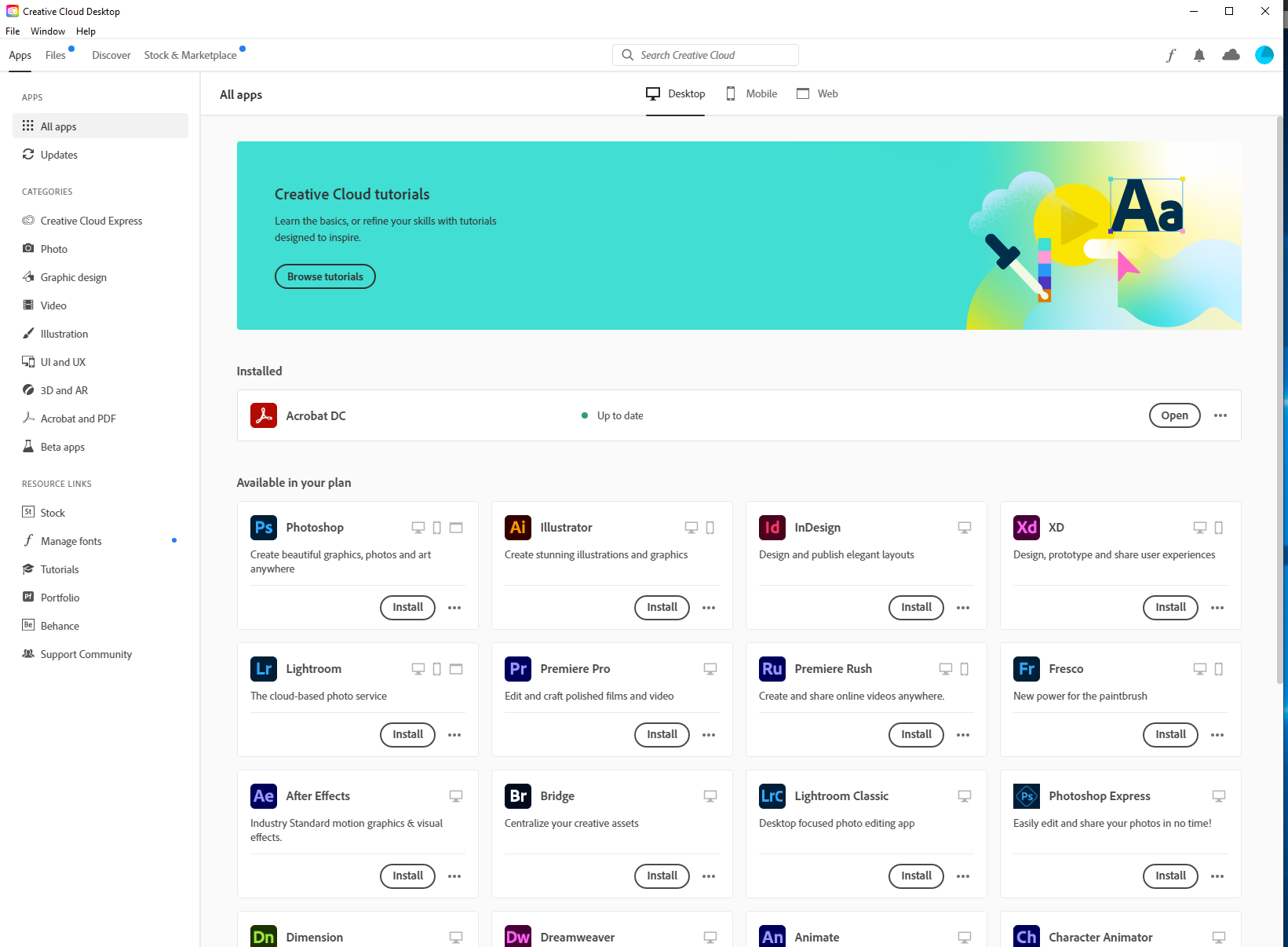
8. Once the install is finished, scroll through and click on "Install" on any Apps you want on your Laptop